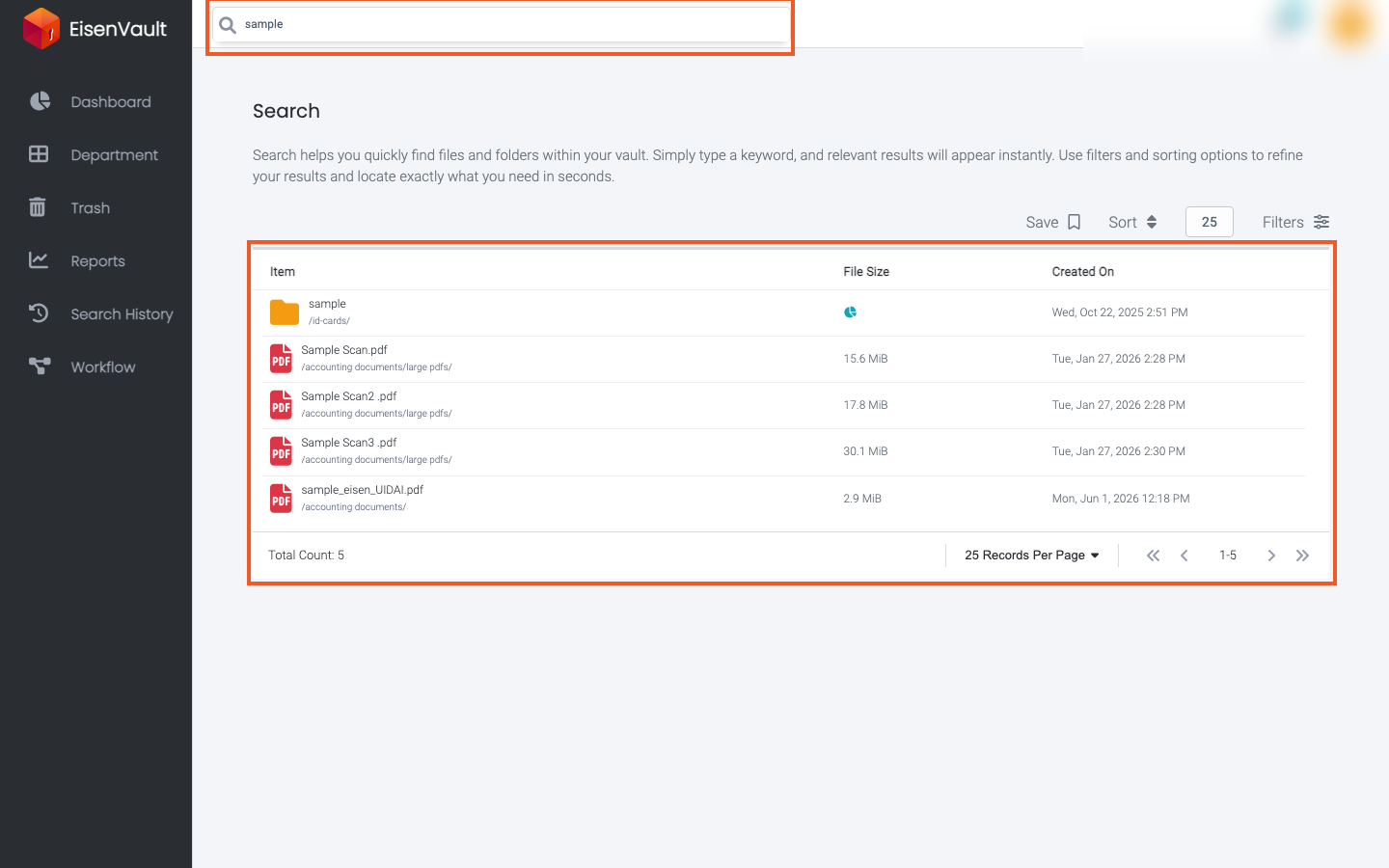
Search
Purpose
Use Search to find files and folders across EisenVault One by keyword, then narrow results with Advanced Search filters, sorting, and saved searches.
What You Can Do
From the header search bar and the full Search page, you can:
- Run keyword searches across file names, metadata, and document content.
- Preview top matches from any page without leaving your current view.
- Open the full search results page for sorting, filtering, and pagination.
- Open Advanced Search from the header to filter by type, category, size, people, and dates, with or without a keyword.
- Save a search with its filters for reuse from Search History.
- Rerun or delete saved searches when you have permission.
Before You Begin
Search is available from the search box in the top header on every signed-in page.
- Type a keyword in the header search box, then press Enter to open the full Search page at
/search. - While you type on other pages, EisenVault One shows a Top Search Result popup with quick matches.
- Open Search History from the left navigation to review saved searches.
Save appears on the full search page after you run a search with at least one result. Advanced Search is available at any time.
Screenshots in the task pages below were captured from the staging environment using the keyword sample.