Login
Purpose
Sign in to EisenVault One so you can access the dashboard, departments, documents, reports, and other features available to your account.
Prerequisites
- You have a valid EisenVault One user account.
- You know the correct login URL.
- You know your current password.
Before You Begin
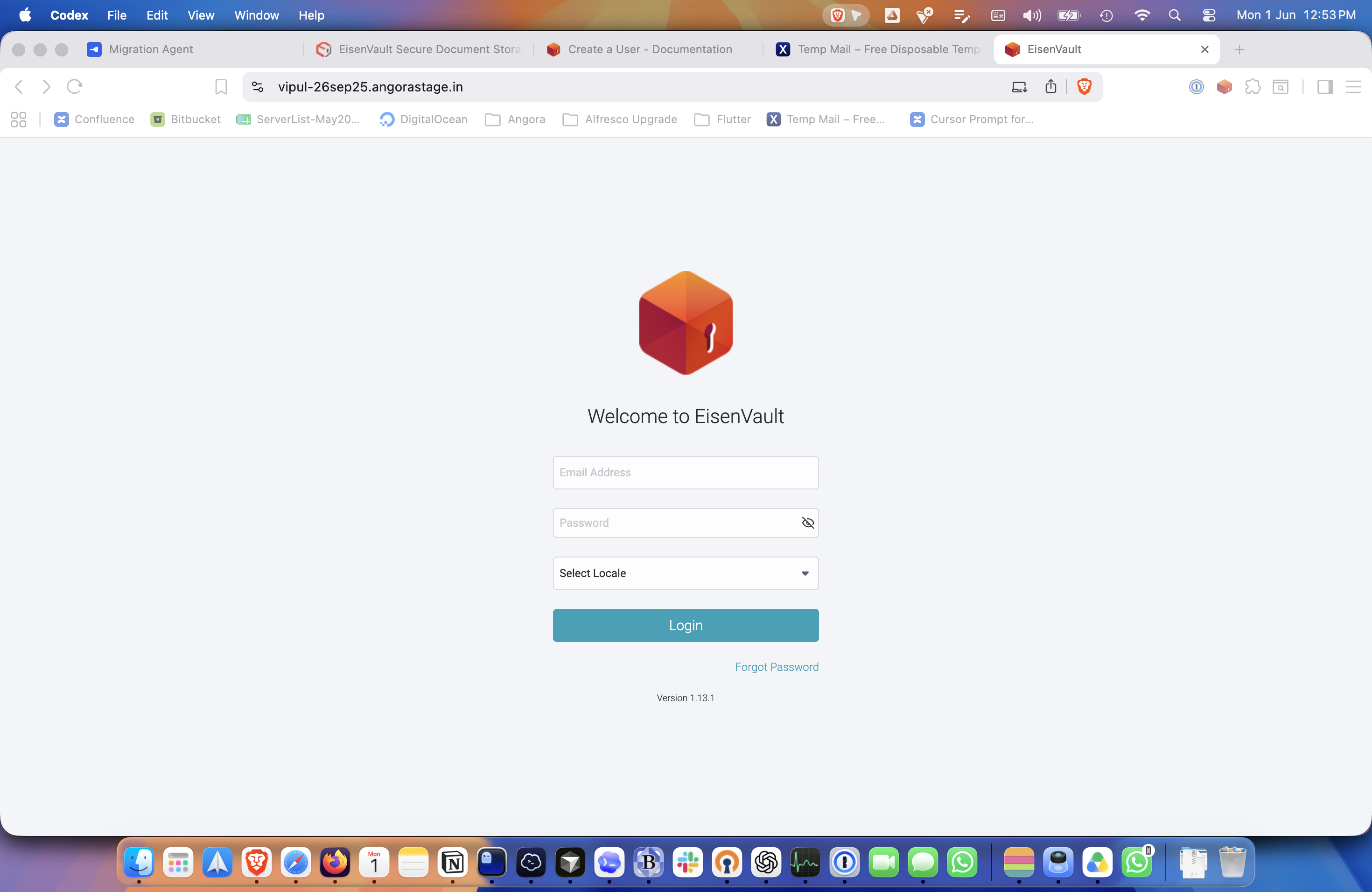
The login page includes fields for Email Address and Password. Some environments also show a Select Locale field. If your organization uses multiple languages or regions, choose the appropriate locale before signing in.
Archived accounts cannot sign in. If you were told your account was archived, contact your administrator.
Login
- Open the EisenVault One login page.
- Enter your email address in Email Address.
- Enter your password in Password.
- Select a locale if needed.
- Click Login.
- Wait for the dashboard to load.
Example Walkthrough
The screenshots below show a real login using a regular user account.
-
Start on the EisenVault One login page.
-
Enter your credentials and click Login.
-
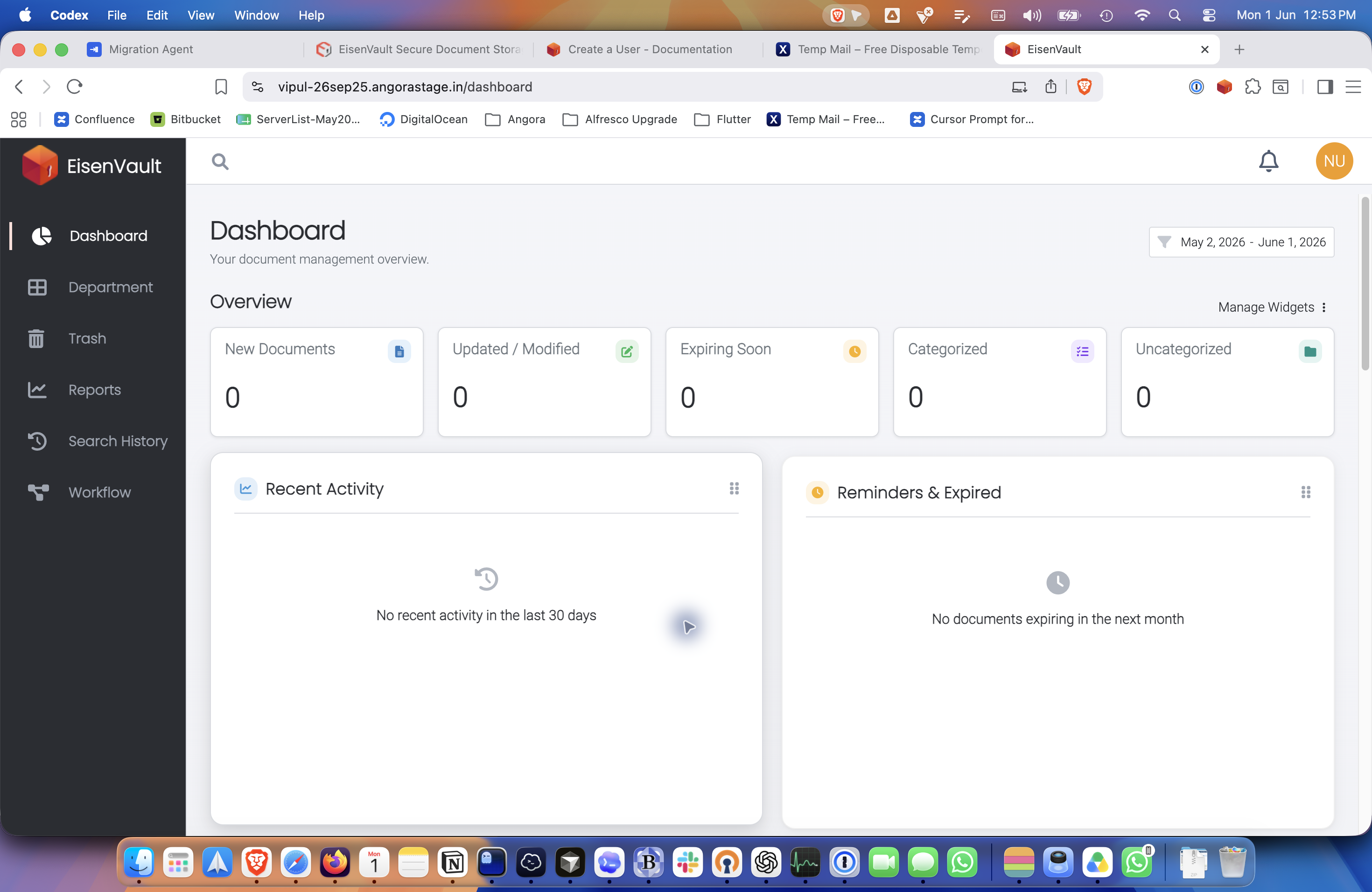
After a successful sign-in, EisenVault One opens the dashboard.
Expected Result
- You are signed in successfully.
- The dashboard opens.
- The account menu becomes available in the top-right corner.