Document Categories
Purpose
Use the Document Categories dashboard widget to see how many documents are assigned to each category that you can access.
Prerequisites
- You are signed in to EisenVault One.
- You can open Dashboard.
- You have access to documents with category metadata.
Before You Begin
Every document has one category. Documents without a custom category appear under Default Content Category. Custom category counts appear separately.
The widget reflects documents available to you. Counts may differ for another user with different permissions.
View Category Counts
- Open Dashboard.
- In the Overview row, review Categorized and Uncategorized counts.
- In the lower widgets area, find Document Categories.
- Review each category name and document count.
- Use the Categorized or Uncategorized cards to open the related list pages.
Example Walkthrough
The dashboard shows category-related overview cards and the Document Categories widget. The widget groups accessible documents by category.
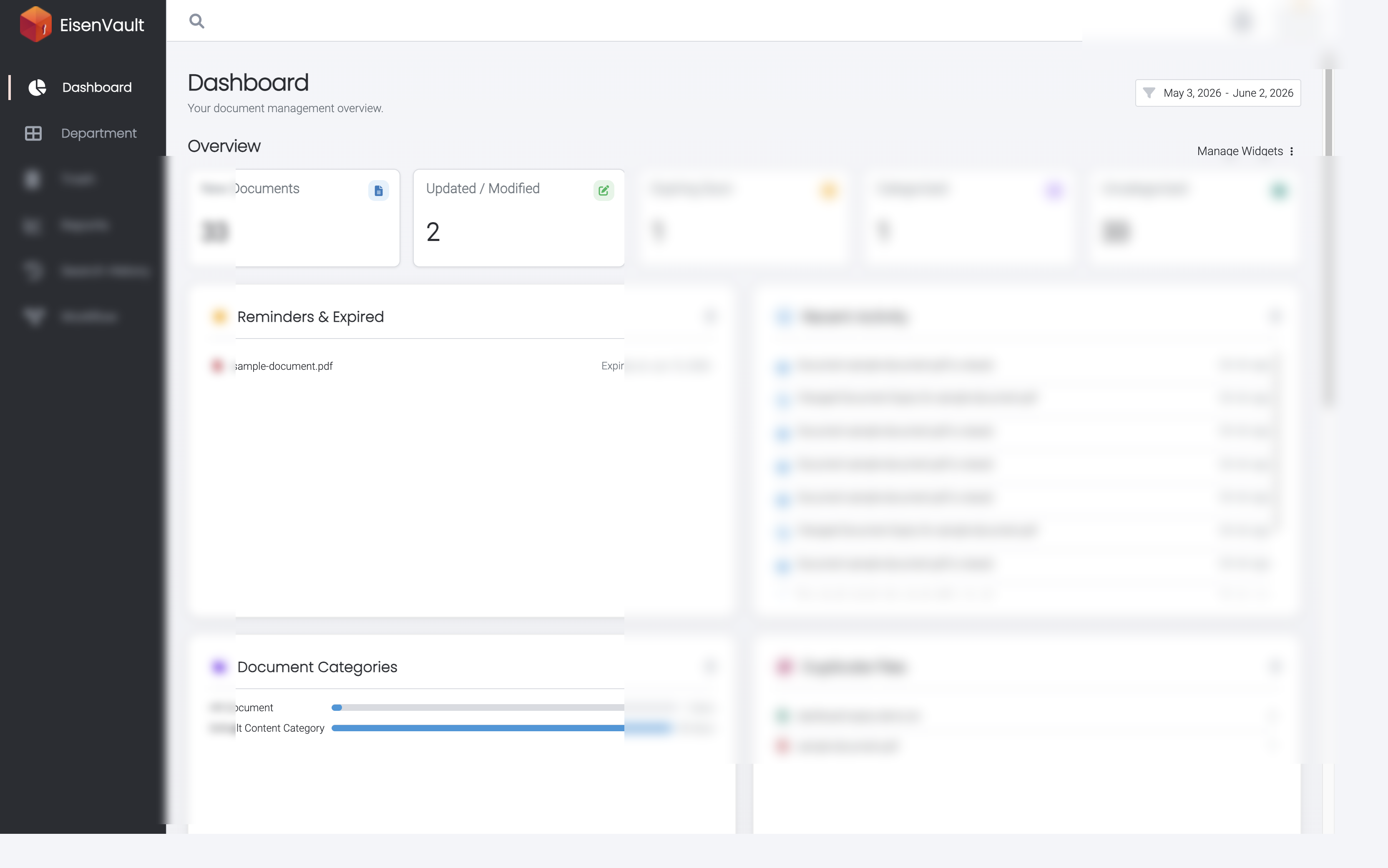
Expected Result
- Categorized shows documents assigned to a custom category.
- Uncategorized shows documents using Default Content Category.
- Document Categories shows per-category counts.