Permission Reference
Purpose
This reference helps administrators interpret permission labels and decide which permissions belong together in a role.
Note: This action may require administrator privileges.
How to Use This Reference
- Use this page when creating or editing custom roles.
- For troubleshooting, compare what a user expects to do versus what their role(s) actually grant.
Related topic:
Permission Categories (Typical)
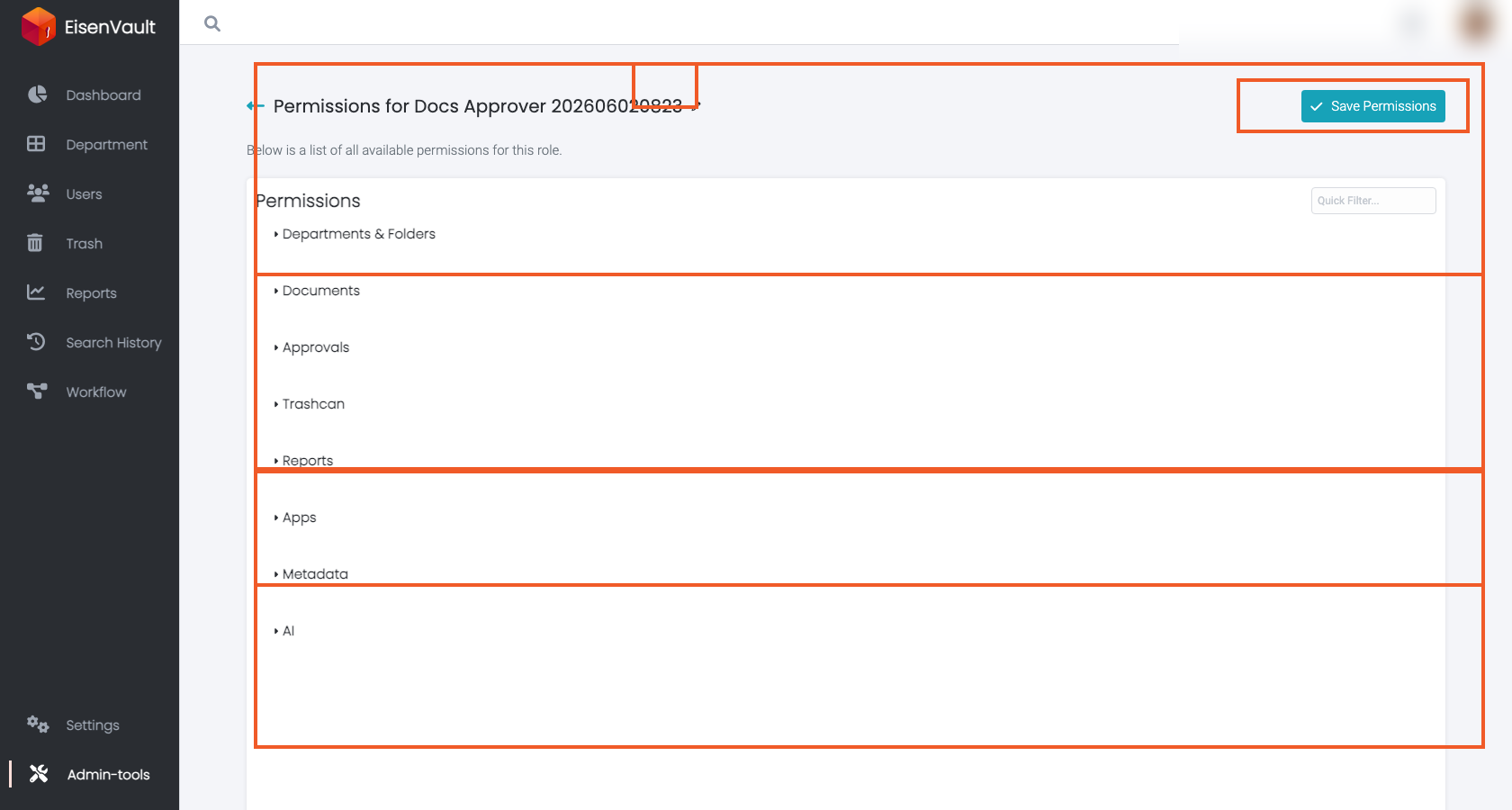
Permissions are commonly grouped into categories such as:
- Administrator (users, groups, roles, settings)
- Departments & Folders
- Documents
- Approvals / workflows
- Trashcan
- Reports
- Apps / integrations
- Metadata
- AI (if enabled)
The exact list in your deployment may vary. Use the role edit screen to see the current catalog as presented in your environment.
Notes for Role Design
Prefer least privilege
Start with the minimal permissions required for a job function, then add only what is needed based on real workflows.
Separate global vs content responsibilities
Avoid mixing administrative global permissions into content-scoped roles unless your governance model explicitly requires it.
Be careful with permission management permissions
Permissions such as “manage content permissions” can effectively allow privilege escalation within a content area.