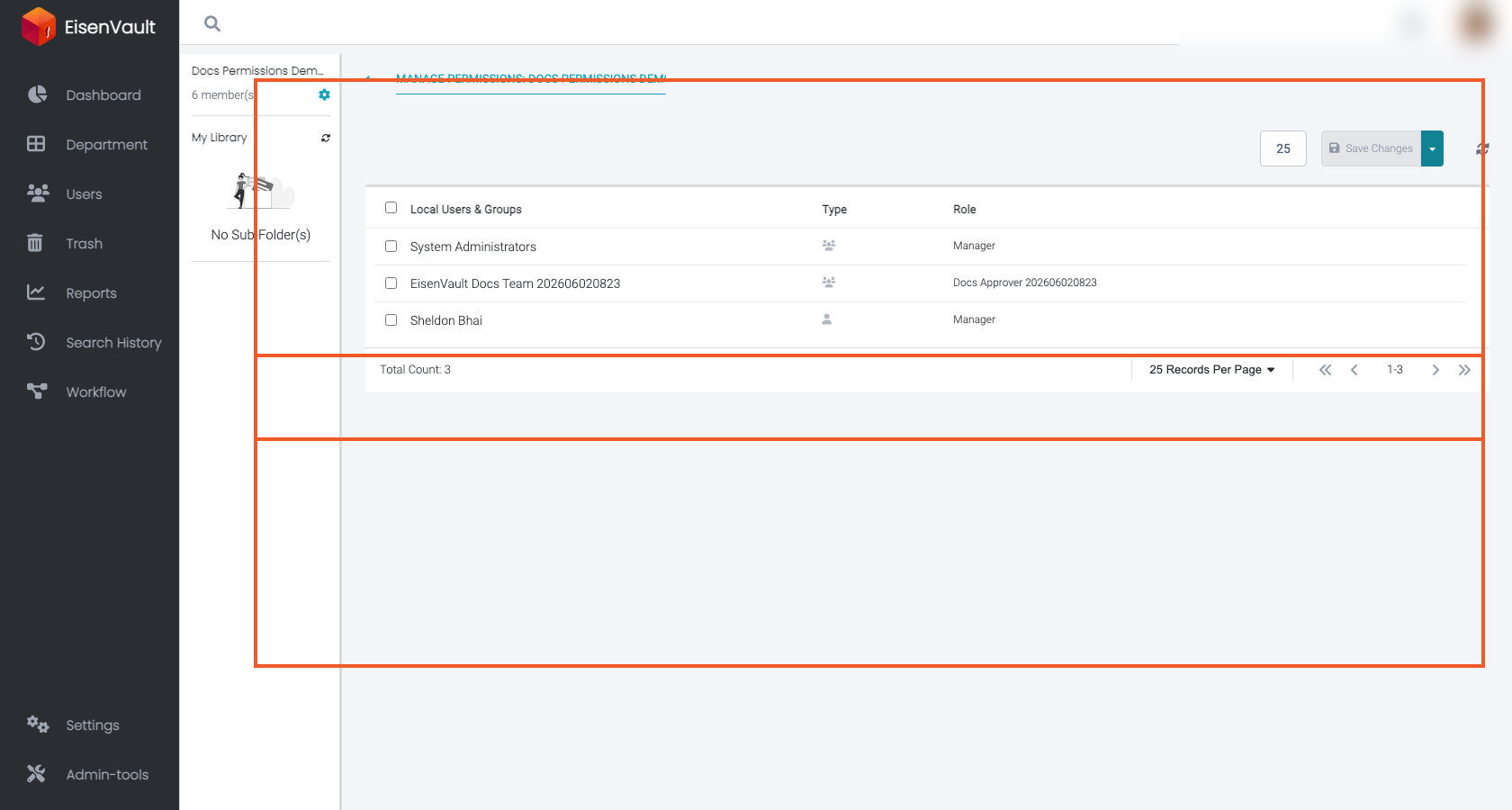
Local vs Inherited Permissions
Purpose
Permissions on a department, folder, or document can come from two sources:
- Inherited permissions from parent content
- Local permissions applied directly on the current item
Understanding this distinction is critical for predictable access control and troubleshooting.
Note: This action may require administrator privileges.
Inherited Permissions
When a folder/document inherits permissions, it carries forward the permissions assigned on its parent items.
This creates a consistent access baseline across a content hierarchy.
Local Permissions
Local permissions are explicit assignments made directly on the current item.
Local permissions are useful when:
- A specific folder/document should be more restrictive than its parent.
- A specific folder/document should grant additional access beyond what the parent grants.
Disabling Inheritance
Some items allow disabling inheritance. When inheritance is disabled:
- The item stops receiving inherited permissions from its parent.
- You must define the required local permissions explicitly.
Use this carefully: disabling inheritance is a common source of unexpected access issues.