Create a Group
Purpose
Create a group so you can manage access for many users together, instead of assigning permissions to each user one-by-one.
Note: This action may require administrator privileges.
Prerequisites
- You are signed in as an administrator.
- You can open Admin Tools > Groups.
Create a Group
- Open Admin Tools.
- Select Groups.
-
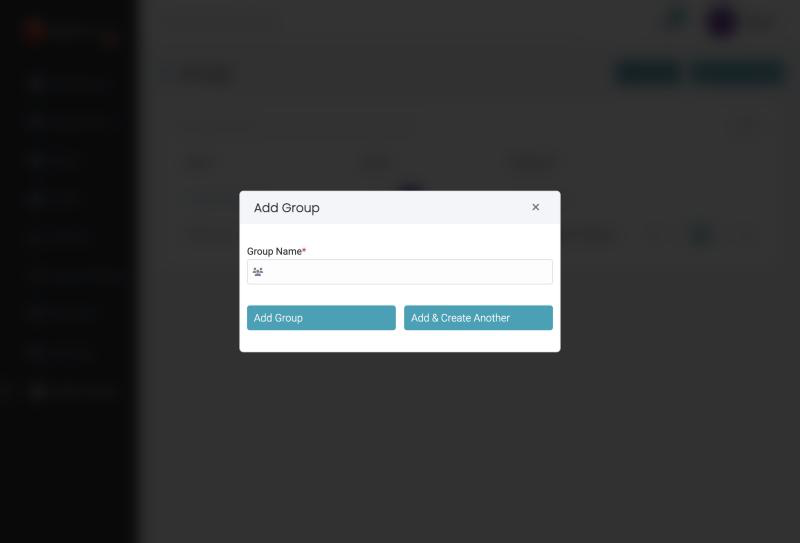
Click Add Group.
-
Enter the Group Name.
- Click Add Group, or Add & Create Another to save and open a fresh dialog.
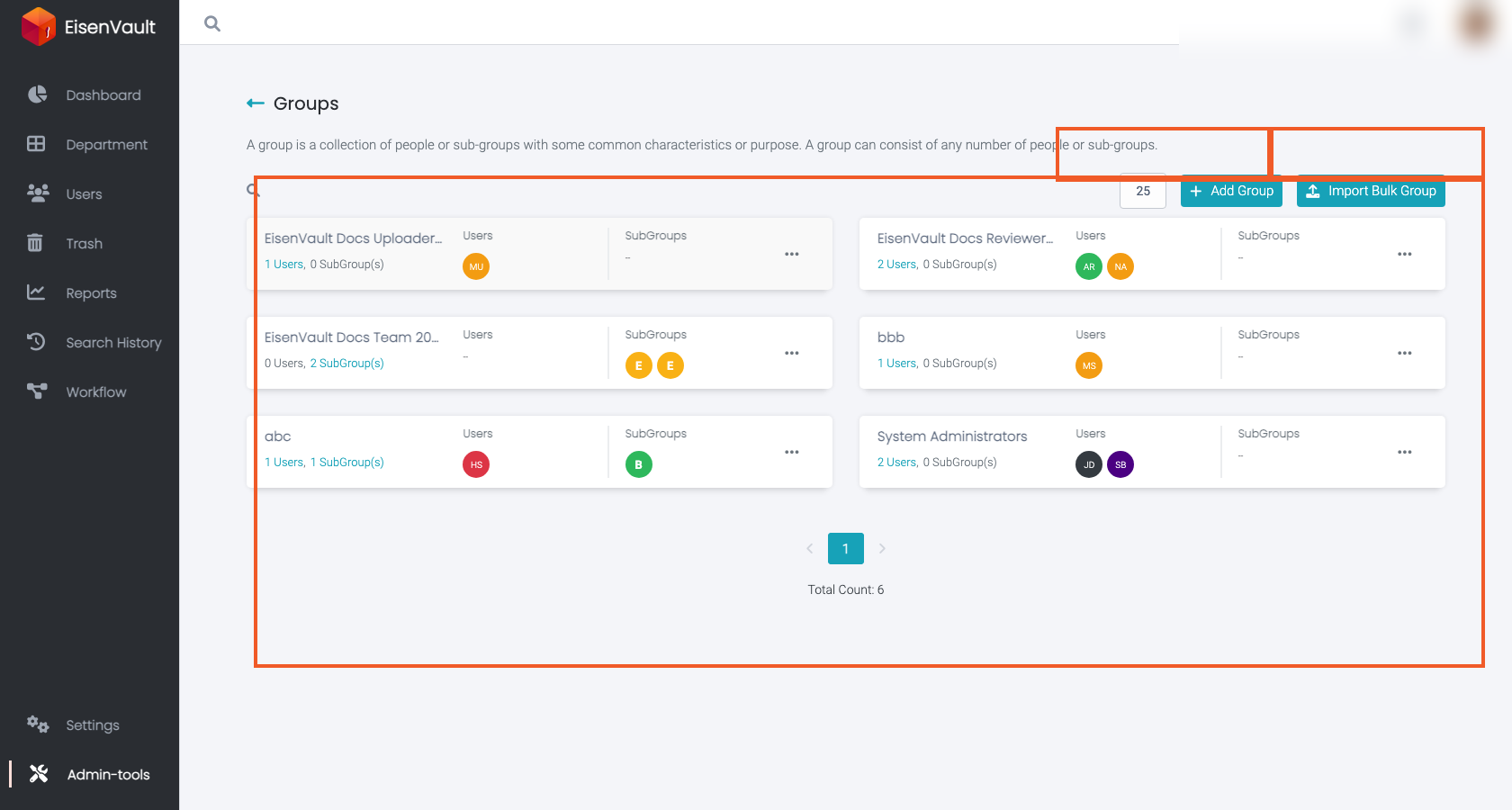
After creation, EisenVault One typically navigates you to the group details screen where you can add Users and Subgroups. In the example below, the groups list includes sample groups with user and subgroup counts so you can see how membership appears after setup.
Expected Result
- The group appears in the groups list.
- You can open the group to manage its membership (users and subgroups).