Move File
Purpose
Move a document from one folder to another.
Prerequisites
- You are signed in to EisenVault One.
- You have permission to move the source document.
- You have permission to add content to the destination folder.
Before You Begin
Moving a file changes its location. Users who had access through the original folder may lose access if they do not have permission in the destination.
If you need the document to remain available in the original folder, use Copy File instead.
Move a File
- Click Department in the left navigation and select a department.
- Navigate to the folder that contains the document.
- Open the document's options menu.
- Click Move.
- Select the destination department or folder.
- Confirm that the destination is correct.
- Click Move or the equivalent confirmation button.
Example Walkthrough
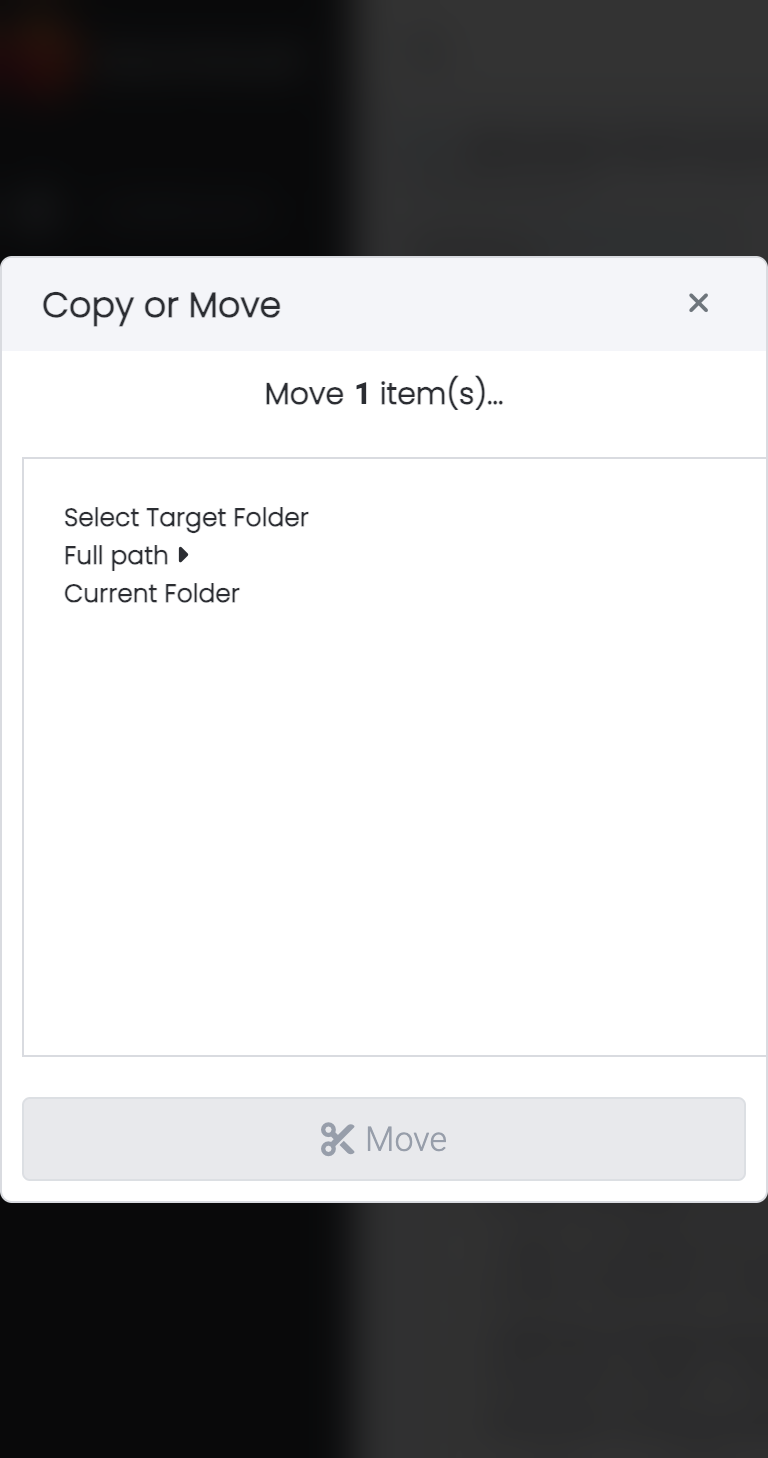
The screenshots below show the Move To dialog opened from a document in id-cards.
-
Open the document's options menu and click Move To.
-
Select the destination folder, then click Move.
Expected Result
- The document is removed from the original folder.
- The document appears in the selected destination folder.
- Metadata, versions, and audit history remain associated with the document.
- Access to the document follows the destination folder's permissions and any document-specific permissions.