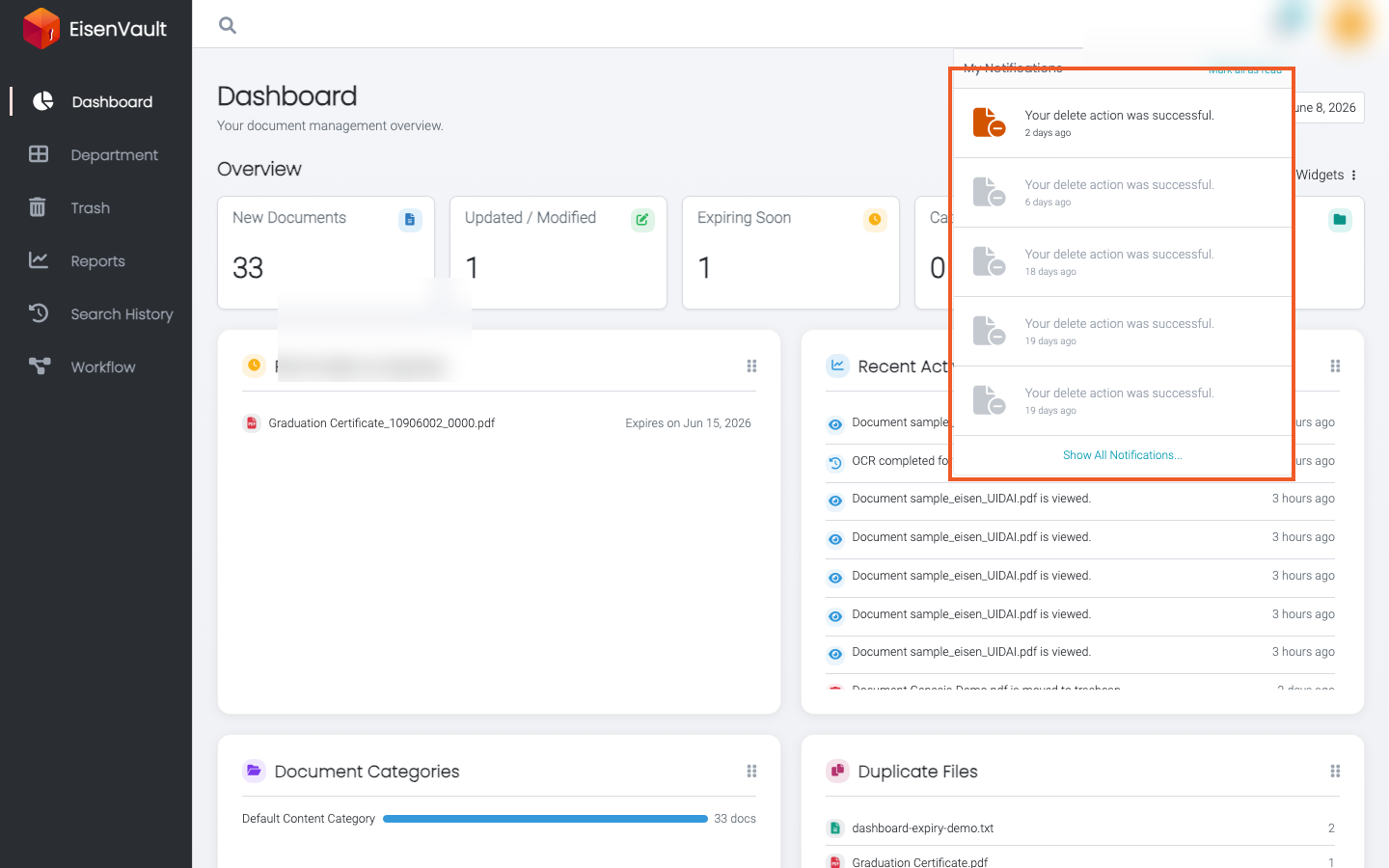
Notifications
Purpose
Stay informed about document activity, tasks, and system events in EisenVault One through in-app notifications and optional email alerts.
What You Can Do
From the header and your account settings, you can:
- Open the bell icon menu to review recent in-app notifications.
- Mark notifications as read from the menu or the full Notification History page.
- Control which email notification types you receive on your Preferences page.
- Follow links from notifications to the related document, folder, or activity.
Before You Begin
EisenVault One delivers notifications in two ways:
| Channel | Where you manage it |
|---|---|
| In-app (bell icon) | Notification History and the header bell menu |
| Preferences under your account settings |
Your organization may also control when emails are sent (for example As it happens, Expiry alerts, or Daily digest) through system settings. Those tenant-wide options are configured by administrators and affect when subscribed users receive email.