Authentication
Purpose
Authentication is how you sign in to EisenVault One, access your documents, and end your session securely when you are finished.
What You Use
- Your EisenVault One login URL
- Your email address
- Your password
- Your selected locale, if your environment asks for one
How Authentication Works
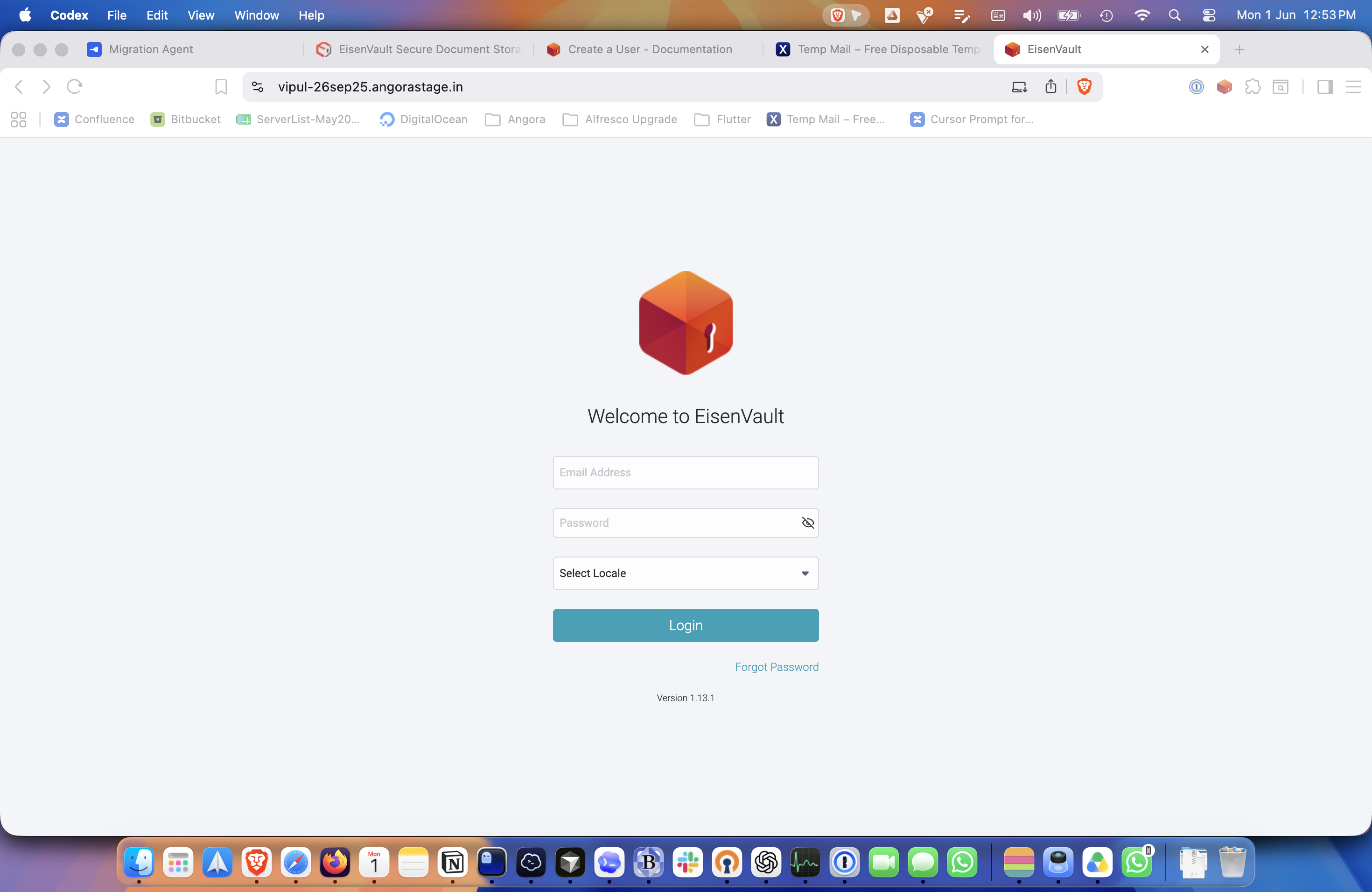
- Open the EisenVault One login page.
- Enter your email address and password.
- Select a locale if required in your environment.
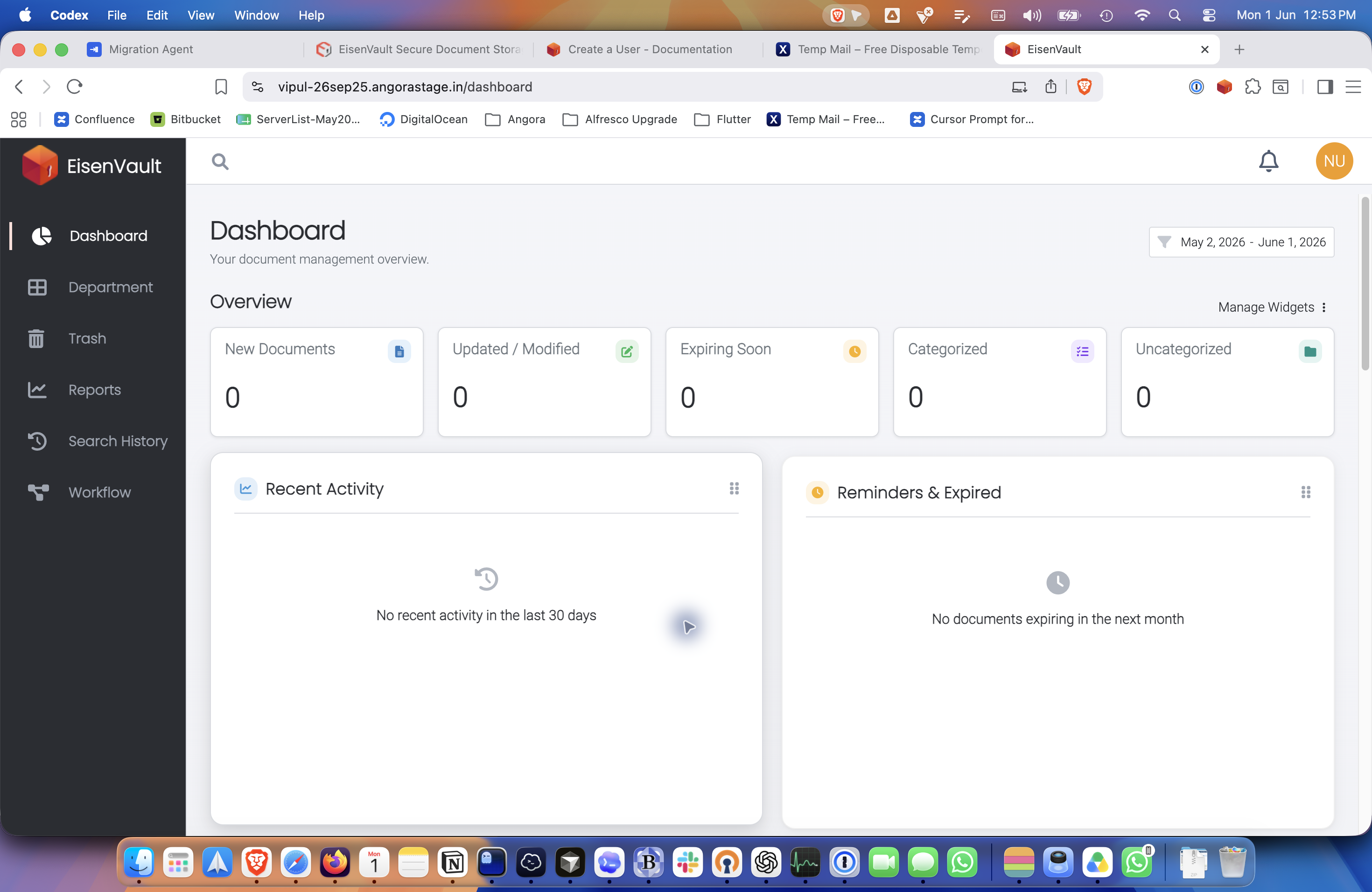
- Click Login to open your dashboard.
- When you finish working, open the account menu and click Logout.
Example Screens
The authentication flow starts on the public login page and ends at the signed-in dashboard.