Uncategorized
Purpose
See documents that still use Default Content Category during the selected dashboard date range.
Prerequisites
- You are signed in to EisenVault One.
- You can open Dashboard.
- You have access to documents created or modified in the selected range.
Before You Begin
In this dashboard, Uncategorized means the document has not been assigned a custom category. It still has Default Content Category and the default metadata fields.
The list respects the dashboard date range. Change the date range on the dashboard before opening the card when you need a different period.
View Uncategorized Documents
- Open Dashboard.
- Set the date range.
- Click the Uncategorized overview card.
- Review the Uncategorized Documents table.
- Use Filters to narrow by creator or department.
- Sort by Document Name, Category, Created By, Created On, or Last Modified On.
- Click a document name to open it and update metadata if needed.
Example Walkthrough
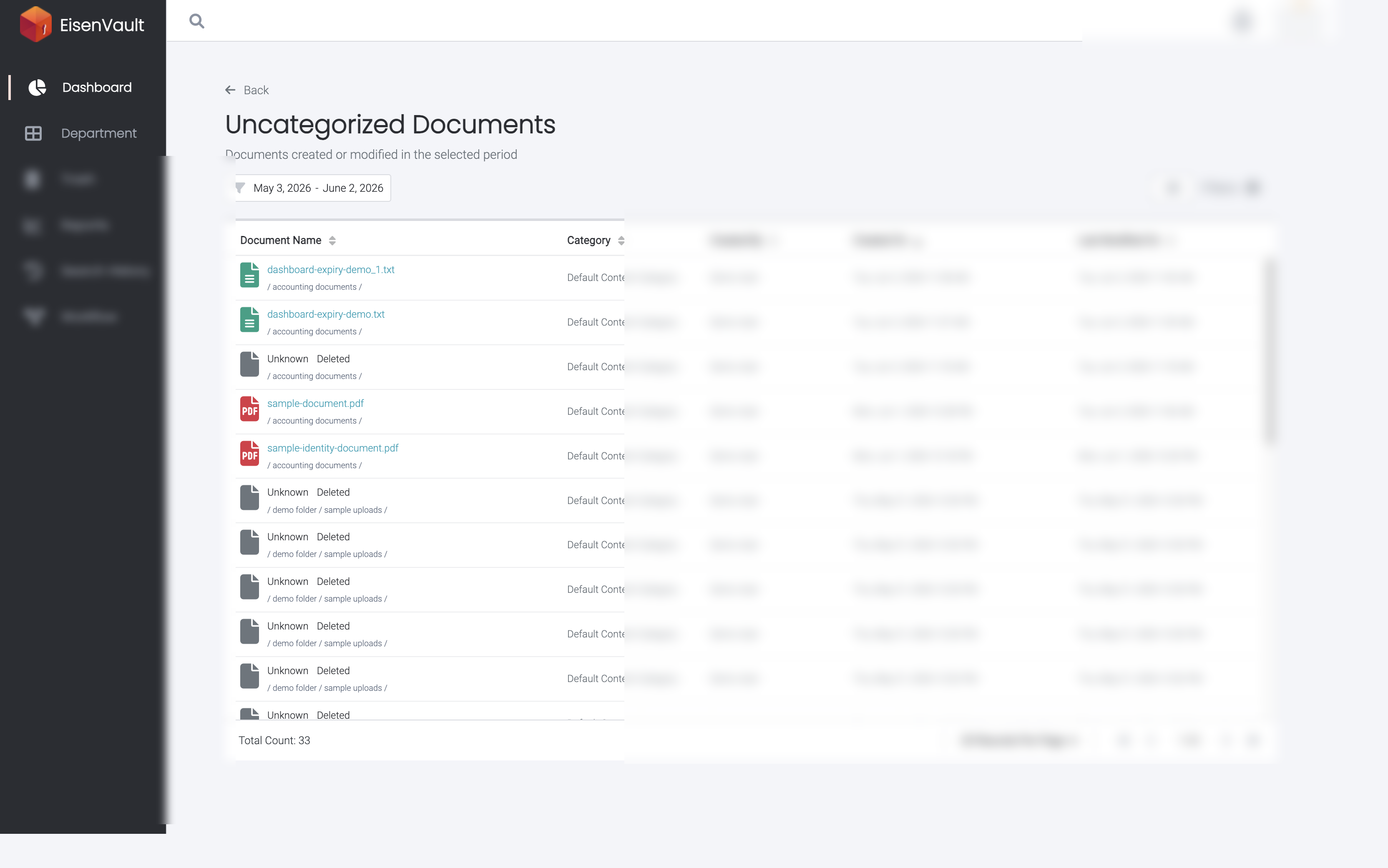
The Uncategorized Documents page lists documents that are still on Default Content Category.
Expected Result
- The page lists documents using Default Content Category in the selected range.
- The Category column shows Default Content Category.
- Updating a document to a custom category removes it from this list and can move it to Categorized.