Reports
Purpose
Reports help you review activity, storage, and metadata information that you are allowed to see in EisenVault One.
Before You Begin
The Reports option appears in the left navigation when your account has reporting permissions. The exact reports visible to you depend on your role and permission set.
Some reports include organization-wide information and may only be available to administrators or power users.
Open Reports
- Sign in to EisenVault One.
- Click Reports in the left navigation.
- Open the report type selector at the top of the page and choose the report you need.
Demonstration screenshots use redacted names and file titles from a staging tenant.
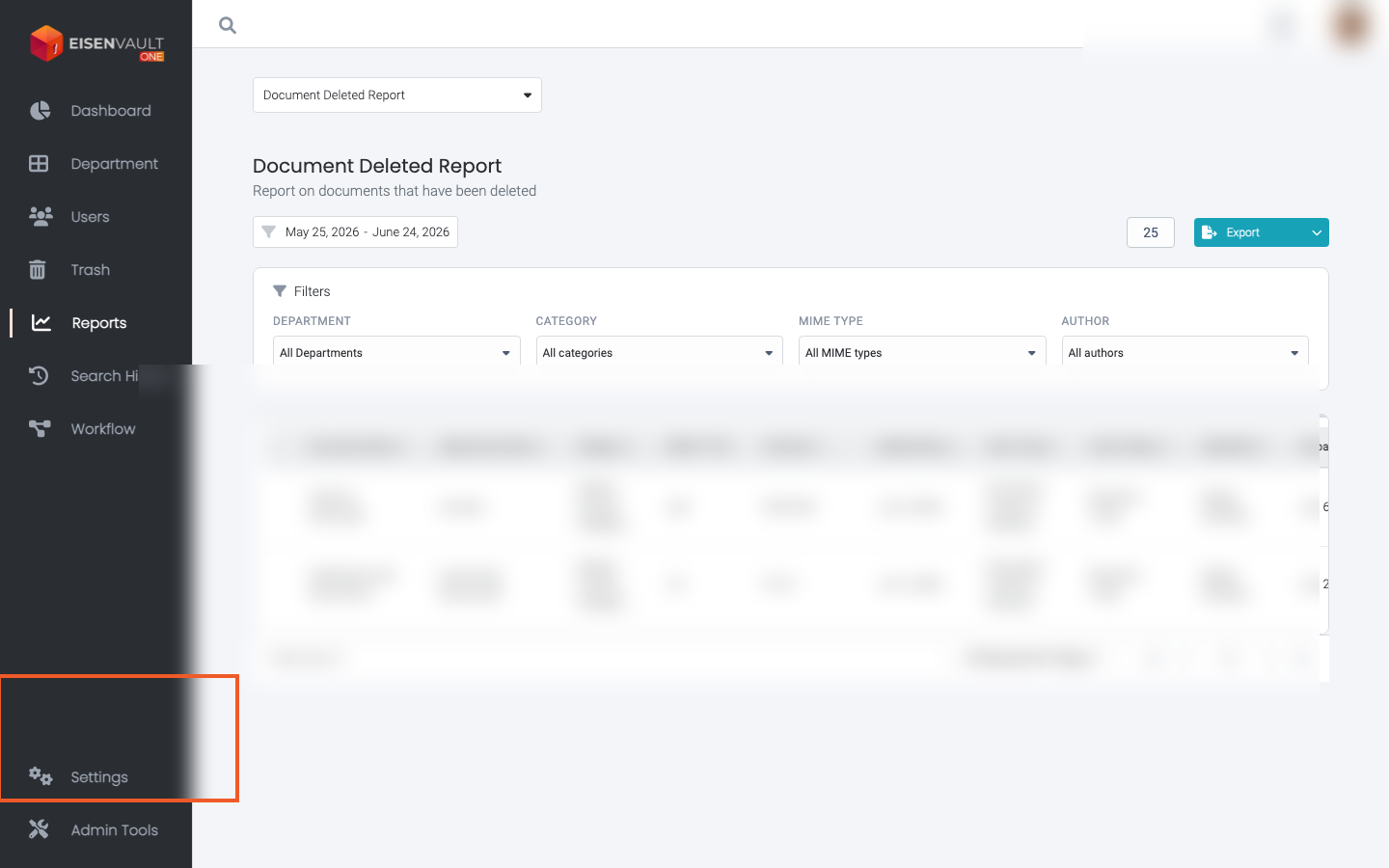
Available Report Types
Depending on permissions, the reports area may include:
| Report | Purpose |
|---|---|
| Deletion Report | Deleted document activity |
| System Storage Report | Document volume and storage usage |
| User Activity Report | Login counts, login timestamps, and document activity per user |
| User Report | User and group activity within the organization |
| Metadata Report | Documents filtered by metadata category and field values |
Common Controls
Reports commonly include:
- Date range selection with Start and End dates. See Date Range Picker.
- Filters such as department, category, extension, author, or user.
- Sortable columns.
- Pagination and records-per-page controls.
- Export to Excel (.xlsx), PDF (.pdf), or CSV (.csv) where available. Large exports run in the background; use Download when the file is ready.
Access and Privacy
EisenVault One limits report visibility based on permissions. For example, a regular user may be able to see their own activity details while administrator-level users can review broader user activity.
If a report or drill-down is unavailable, confirm that your account has the required reporting permission.