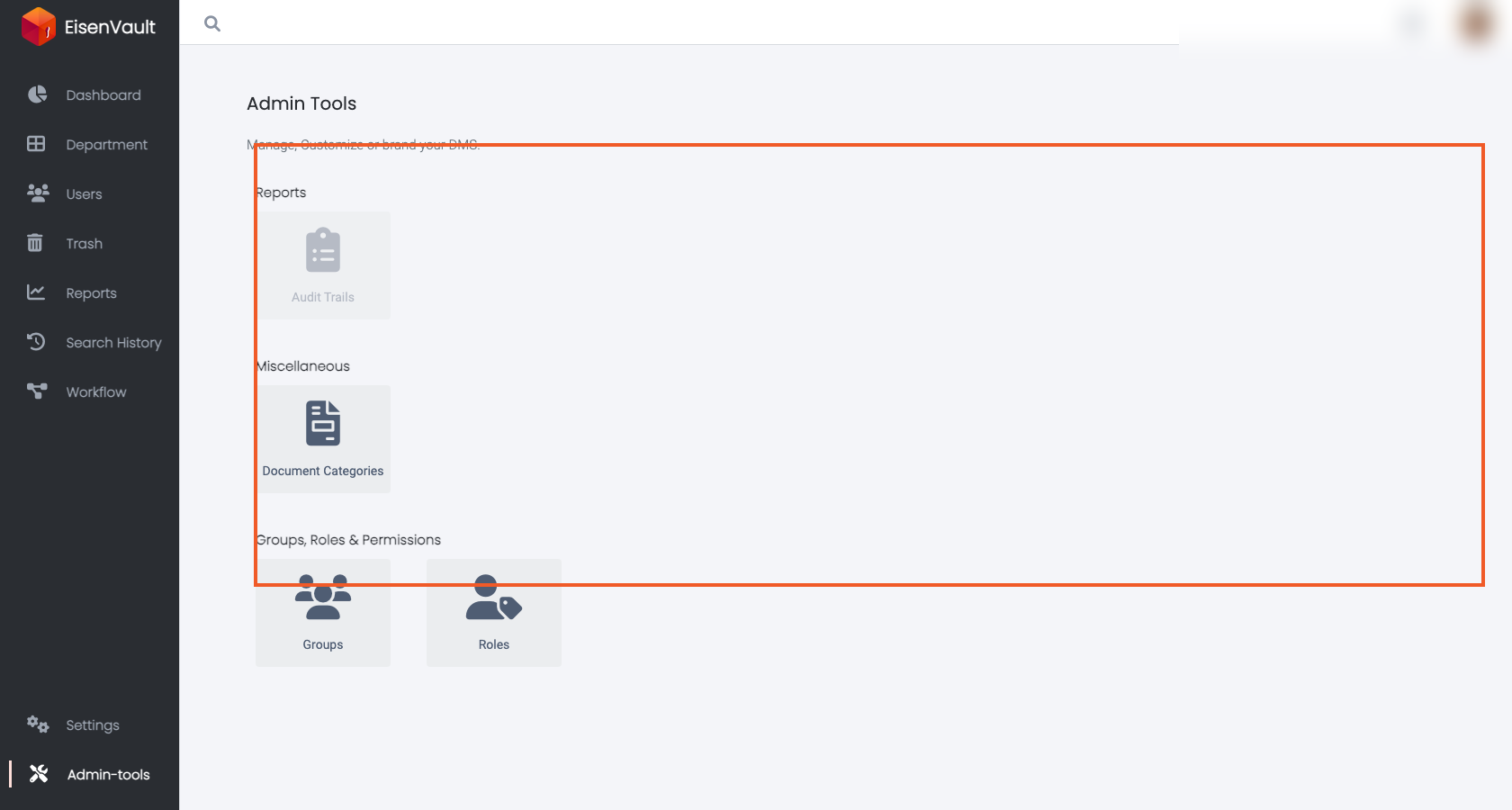
Admin Tools Overview
Purpose
Admin Tools is the system administration area where you manage configuration, governance, and access control for your EisenVault One environment.
Use Admin Tools to:
- Maintain governance structures such as Groups and Roles.
- Manage Document Categories and the metadata fields that appear on document and folder forms.
- Review audit-related utilities that are available to administrators.
Note: This action may require administrator privileges.
Prerequisites
- You are signed in with a role that permits access to the admin area.
Open Admin Tools
-
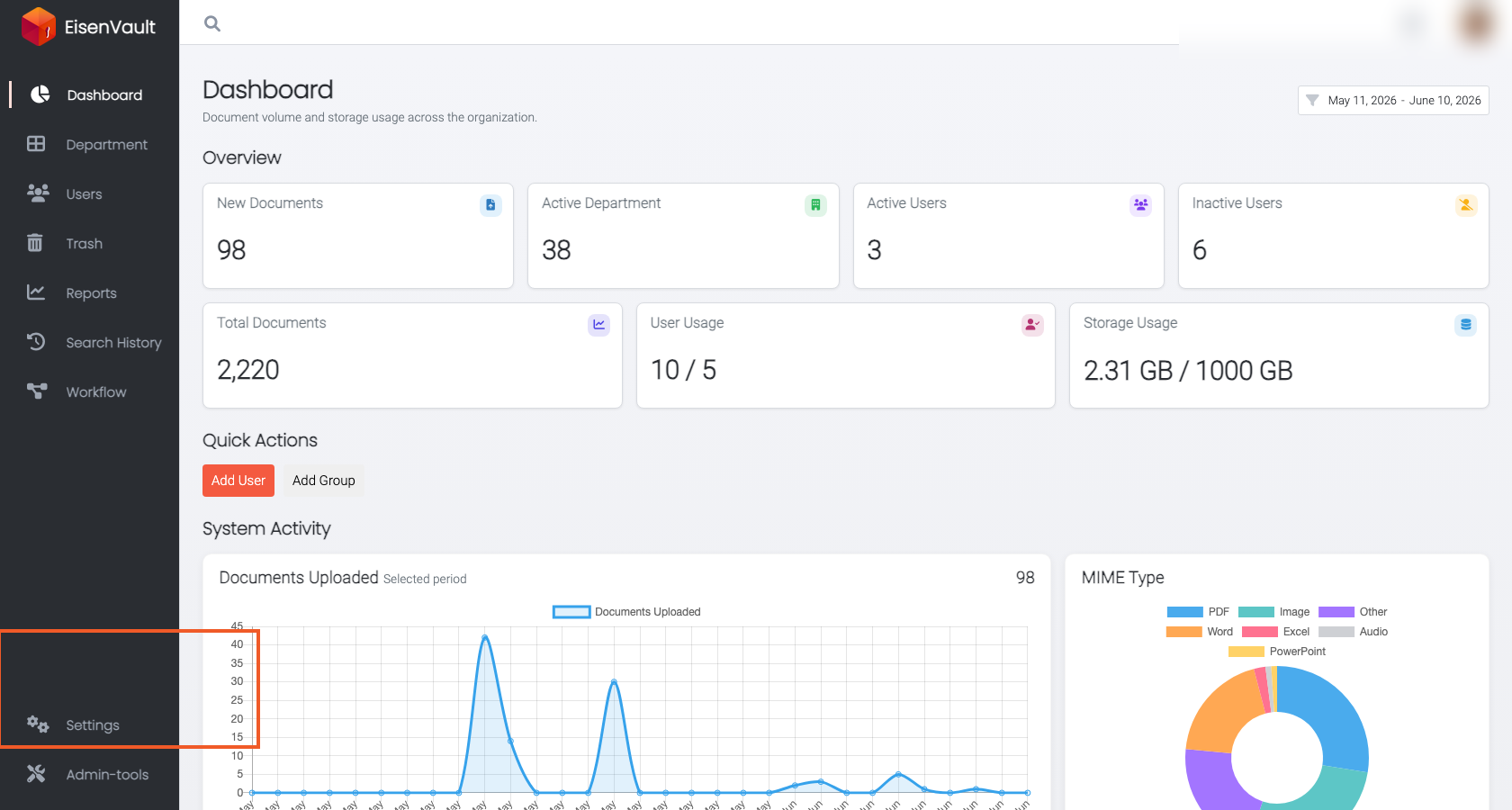
In the left navigation, open Admin Tools.
Admin Tools Sections
Admin Tools is organized as cards. The exact set of cards shown can vary by deployment and permissions.
Document Categories
Use Document Categories to create and maintain categories and the metadata fields that appear when users update metadata for documents and folders.
- Use this when you want different document types (for example, Invoice, Purchase Order, ID Card) to have different metadata fields.
- Categories can inherit fields from a parent category.
Related topics:
Groups
Use Groups to organize users into nested collections (groups can contain subgroups). Groups are used when assigning roles and permissions at scale.
Related topics:
Roles
Use Roles to define bundles of permissions. Roles can be system-defined or custom, and may apply globally or to content (departments, folders, documents) depending on role type.
Related topics:
Reports and Audit Utilities
Some deployments expose audit or reporting utilities within Admin Tools.