Permissions Overview
Purpose
Permissions control what users can do in EisenVault One. User administrators usually work with permissions through users, groups, and roles rather than by editing every permission directly.
Note: This action may require administrator privileges.
The Permission Model
EisenVault One access is built from three main parts:
- Users — individual accounts.
- Groups — collections of users and subgroups.
- Roles — bundles of permissions assigned to users, groups, or content.
Global and Content Permissions
Permissions are commonly grouped into two categories:
- Global permissions grant system-level capabilities, such as managing users, groups, or roles.
- Content permissions grant access to departments, folders, and documents.
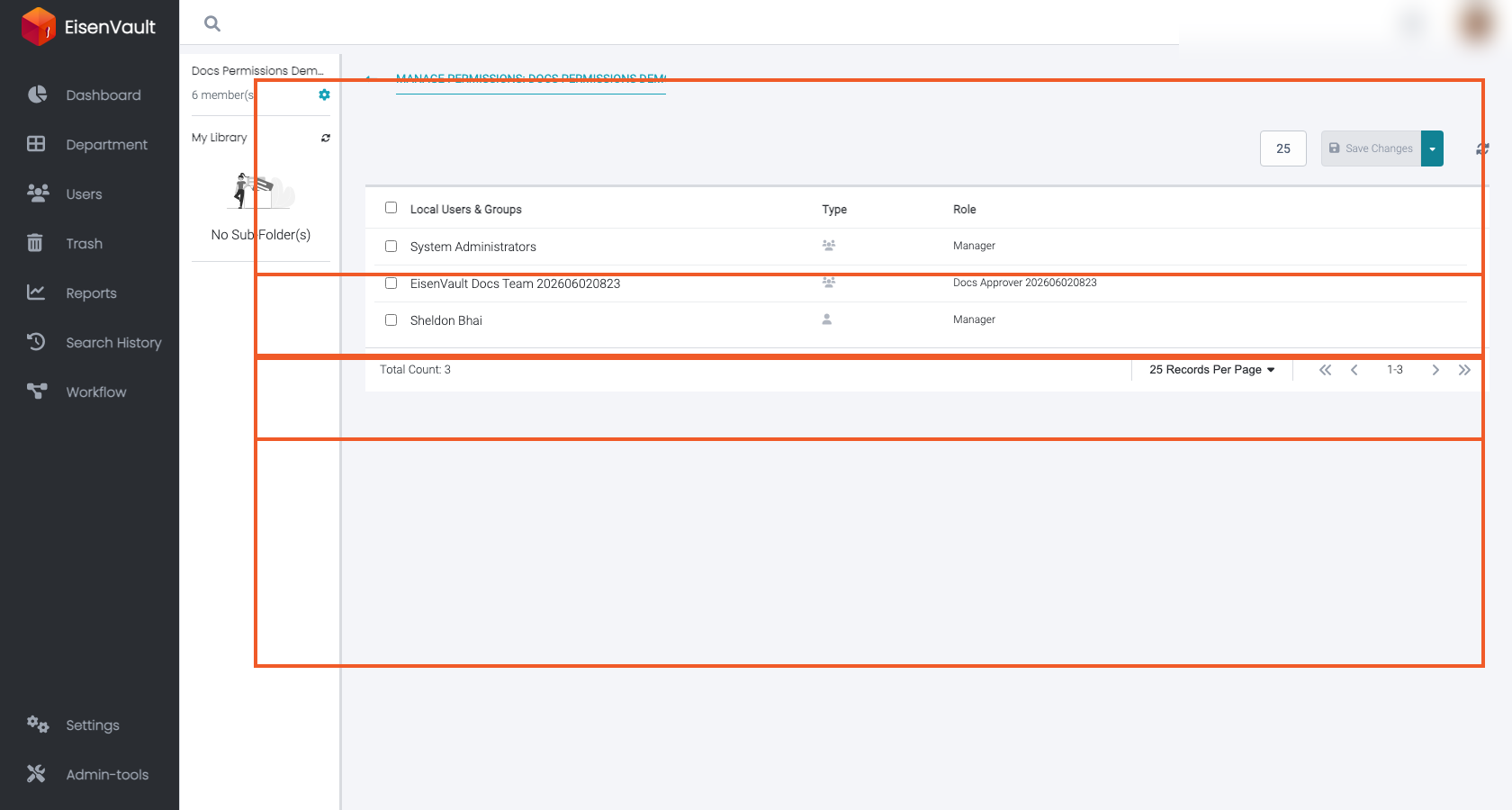
Global roles are assigned on a user's profile. Content roles are assigned on departments, folders, or documents through Manage Permissions.
Effective Permissions
A user's effective permissions can come from multiple paths:
- Roles assigned directly to the user.
- Roles assigned through group membership.
- Roles inherited through nested groups.
- Content roles assigned on the same department, folder, or document.
When more than one path applies, permissions are additive. If one group grants create access and another group grants approval access, a user who belongs to both groups receives both capabilities.
User Administrator Tasks
User administrators commonly manage permissions by:
- Creating users.
- Adding users to groups.
- Removing users from groups.
- Creating roles.
- Editing role permission sets.
- Assigning global roles on user profiles.
- Assigning content roles to users or groups where permitted.