Add Subgroups to a Group
Purpose
Add subgroups to a group to model nested organizational structures and to grant access consistently through hierarchy.
When a subgroup is added to a parent group, members of the subgroup are treated as members of the parent group as well.
Note: This action may require administrator privileges.
Prerequisites
- You are signed in as an administrator.
- You can open Admin Tools > Groups.
- The group already exists.
Add Subgroups
- Open Admin Tools > Groups.
- Open the target group.
- Open the Subgroups tab.
- Click Add (plus icon).
- In the group picker, select one or more subgroups.
- Save your selection.
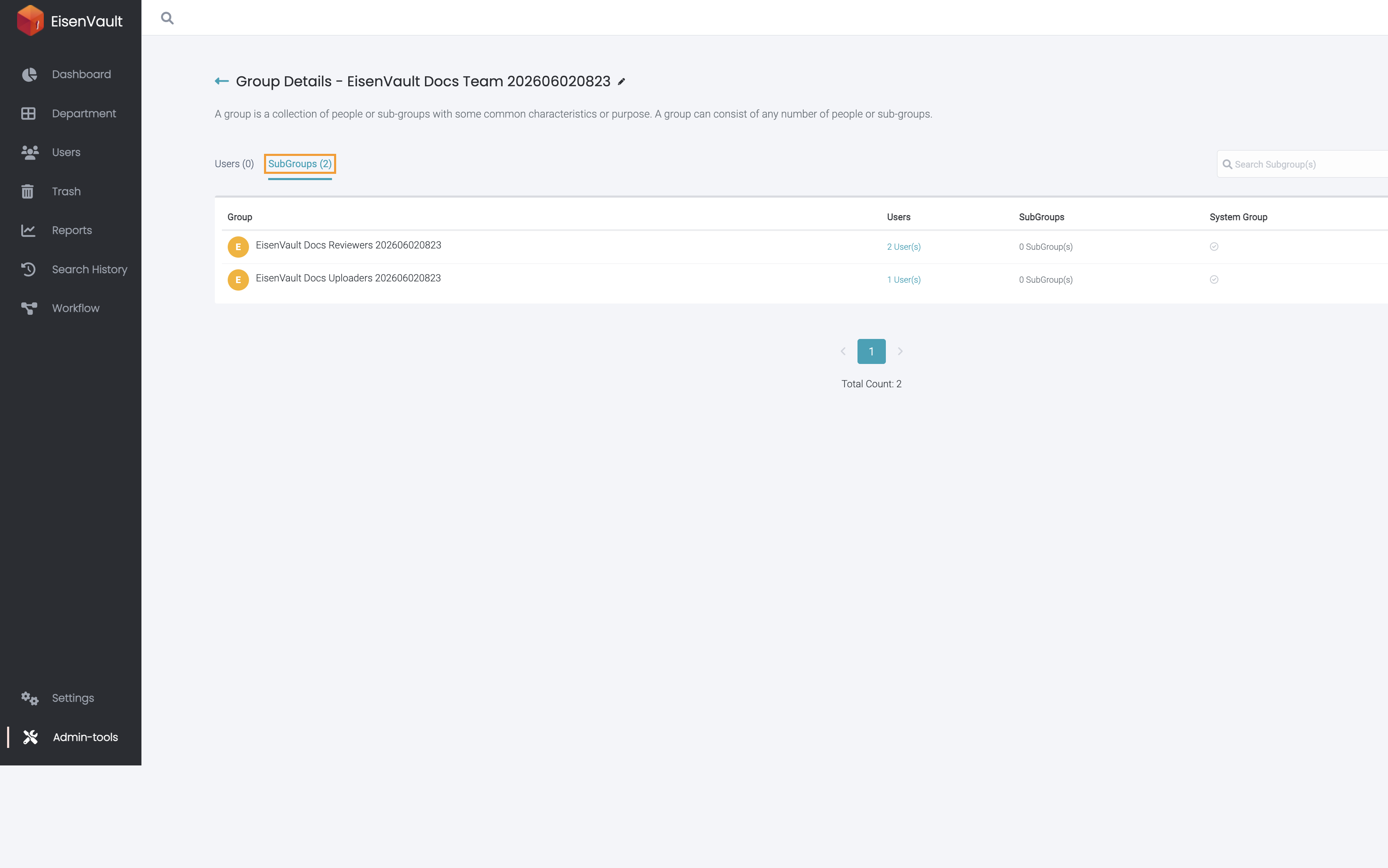
The example below shows a parent group with two subgroups. Users in those subgroups are treated as part of the parent group wherever the parent group is assigned.
Expected Result
- The selected subgroups appear in the group’s Subgroups list.
- Users in those subgroups receive access via the parent group.