Logout
Purpose
Sign out of EisenVault One to end your current session, especially when you are using a shared or public computer.
Before You Begin
The logout option is available from the account menu in the top-right corner of the application. The menu also contains profile, password, and security options.
Logout
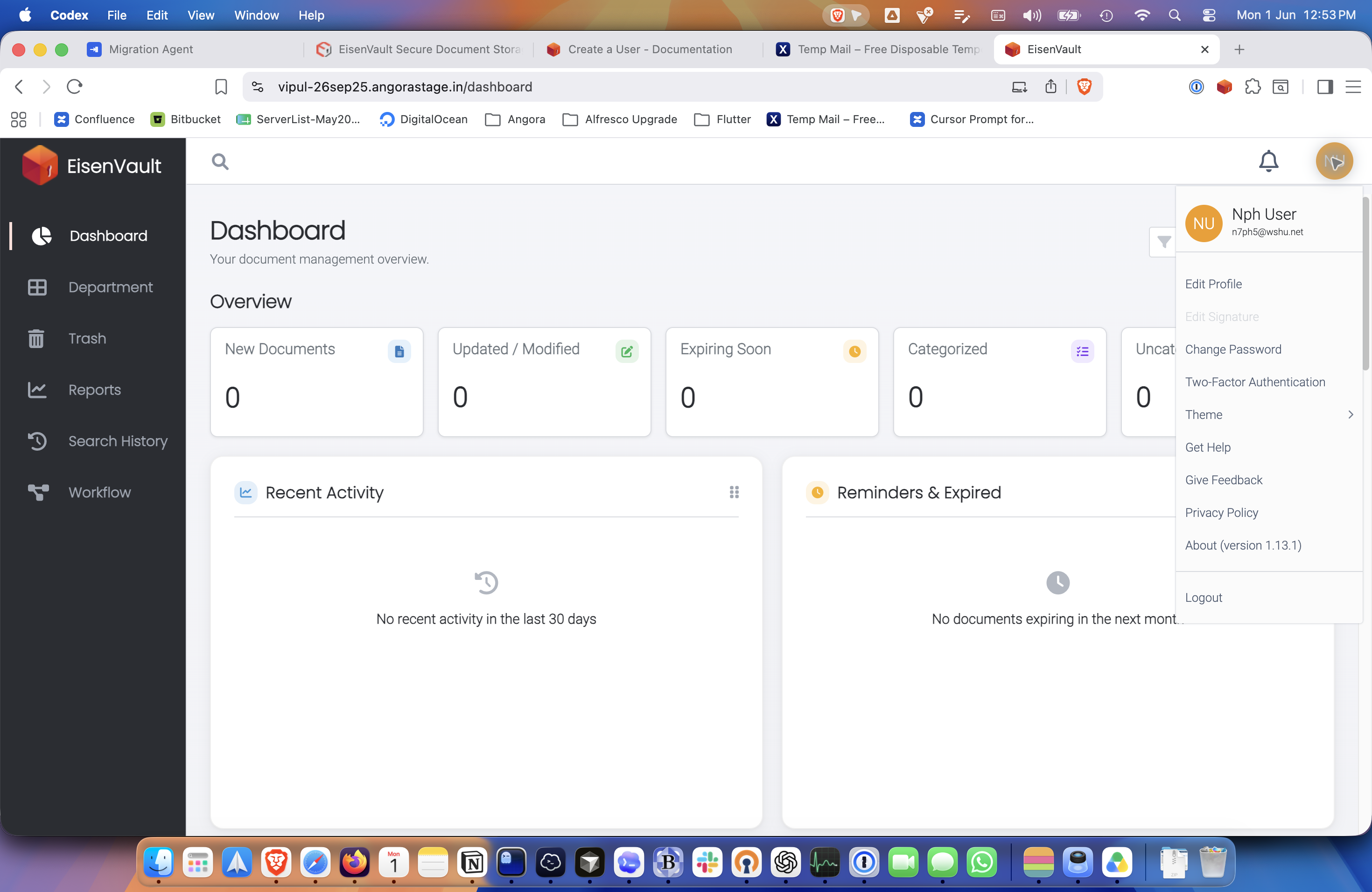
- While signed in, click your account avatar in the top-right corner.
- In the account menu, click Logout.
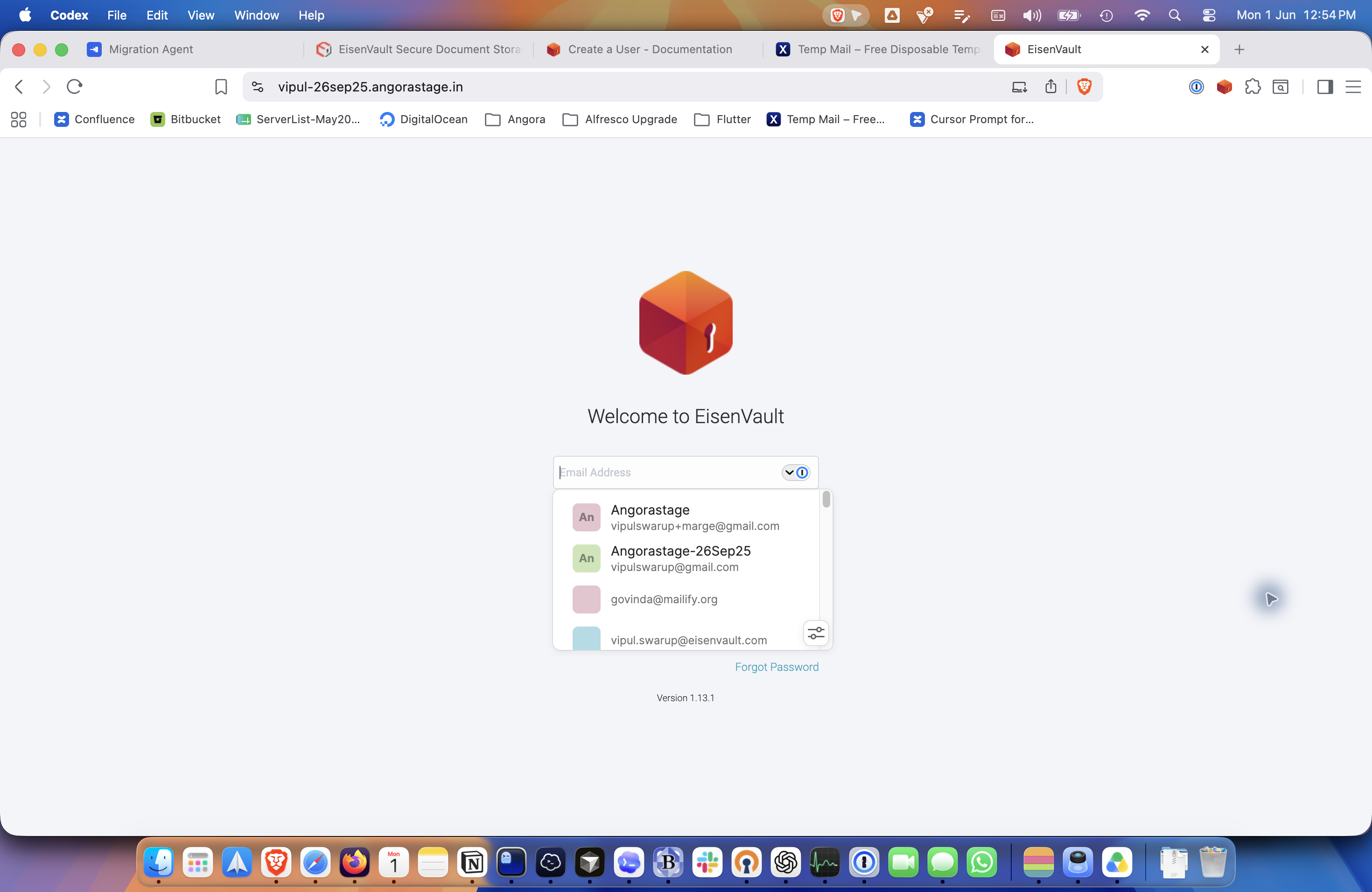
- Wait for EisenVault One to return to the login page.
Example Walkthrough
-
Open the account menu from the avatar in the top-right corner.
-
Click Logout. EisenVault One returns to the signed-out login page.
Expected Result
- Your current EisenVault One session ends.
- You are returned to the login page.
- You must sign in again to continue working.