Subscribe Others
Purpose
Subscribe other users to a document or folder so they receive change notifications for that item.
Prerequisites
- You are signed in to EisenVault One.
- You can access the file or folder.
- You have permission to subscribe others.
Before You Begin
Subscribe Others is separate from subscribing yourself. Use it when other users should receive notifications but may not subscribe on their own.
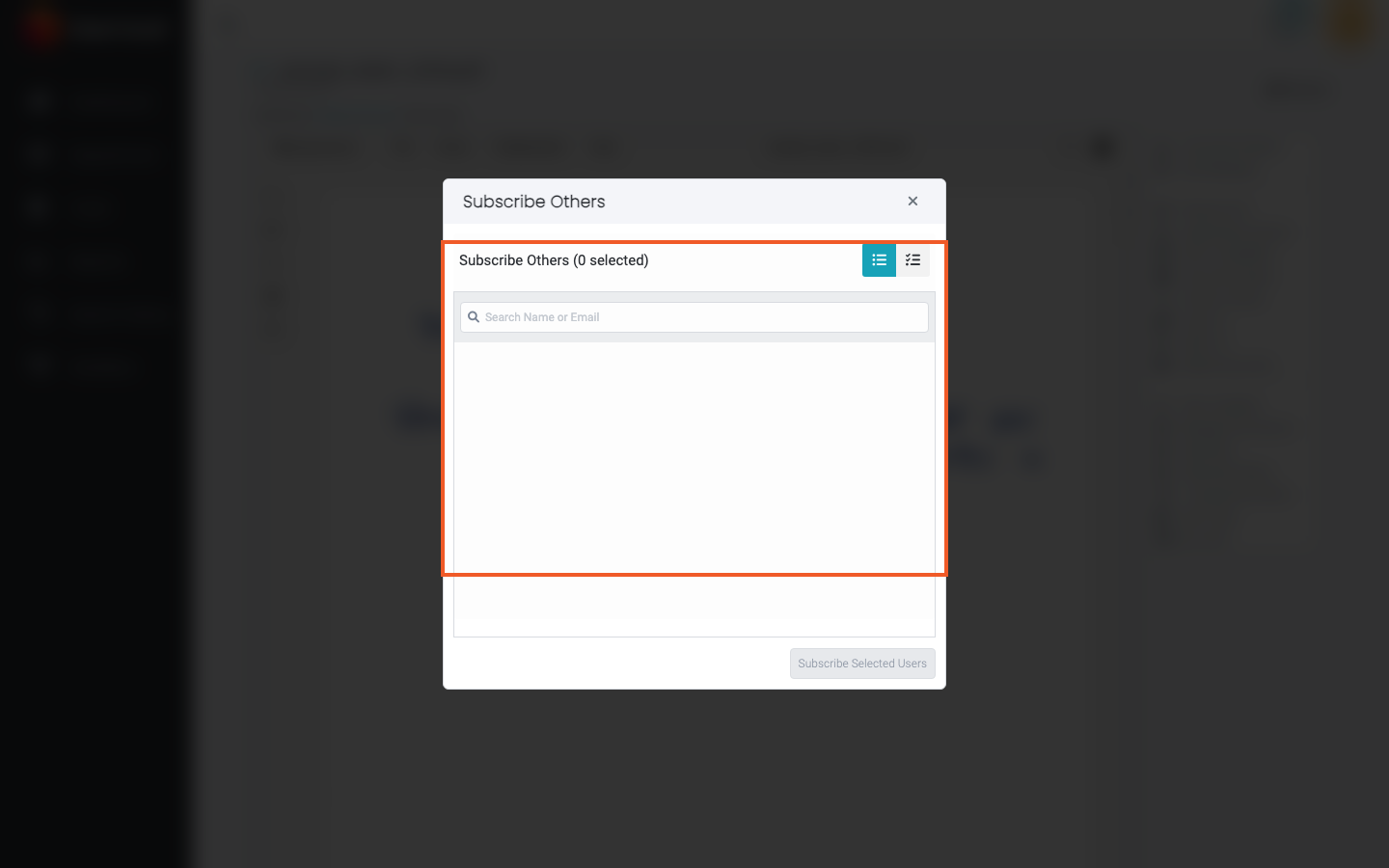
The window has Users and Groups tabs. You can select people from both tabs in the same action. Use the search box to find people by name or email, and the list/checklist switch at the top right to review only what you have selected.
Subscribe Other Users
- Navigate to the file or folder.
- For a document, open it in preview. For a folder, stay in the Explorer list.
- Open the item's actions.
- Click Subscribe Others.
- In the Subscribe Others window, select one or more users on the Users tab and, if needed, groups on the Groups tab. The heading shows how many are selected.
- Click Subscribe Selected.
- Wait for EisenVault One to confirm the subscriptions.
Example Walkthrough
-
Open preview and click Subscribe Others.
-
Select the users and groups who should receive notifications and click Subscribe Selected.
Unsubscribe Others
To remove people's subscriptions, click Unsubscribe Others in the same actions list and select who to remove. The Subscribers field in Metadata updates immediately after a subscribe or unsubscribe, without reloading the page.
Expected Result
- Selected users and groups are subscribed to the file or folder.
- Already-subscribed users remain subscribed.
- The subscribed users can see the item in My Subscriptions when they have access.