Total Documents
Purpose
See how many documents exist in the repository overall and open the complete catalog. The Total Documents overview card shows the all-time count; the Total Documents Uploaded list shows every file with metadata.
Note: This action may require administrator privileges.
Prerequisites
- You are signed in to EisenVault One as a system administrator.
- You can open Dashboard from the left navigation.
Before You Begin
- Total Documents is an all-time metric. It does not follow the dashboard date range picker.
- The list can be large; use pagination and sorting to navigate it.
- Click the Total Documents card to open the list.
View Total Documents
- Open Dashboard.
- Note the Total Documents count in the second overview row.
- Click the card.
Work with the Total Documents Uploaded List
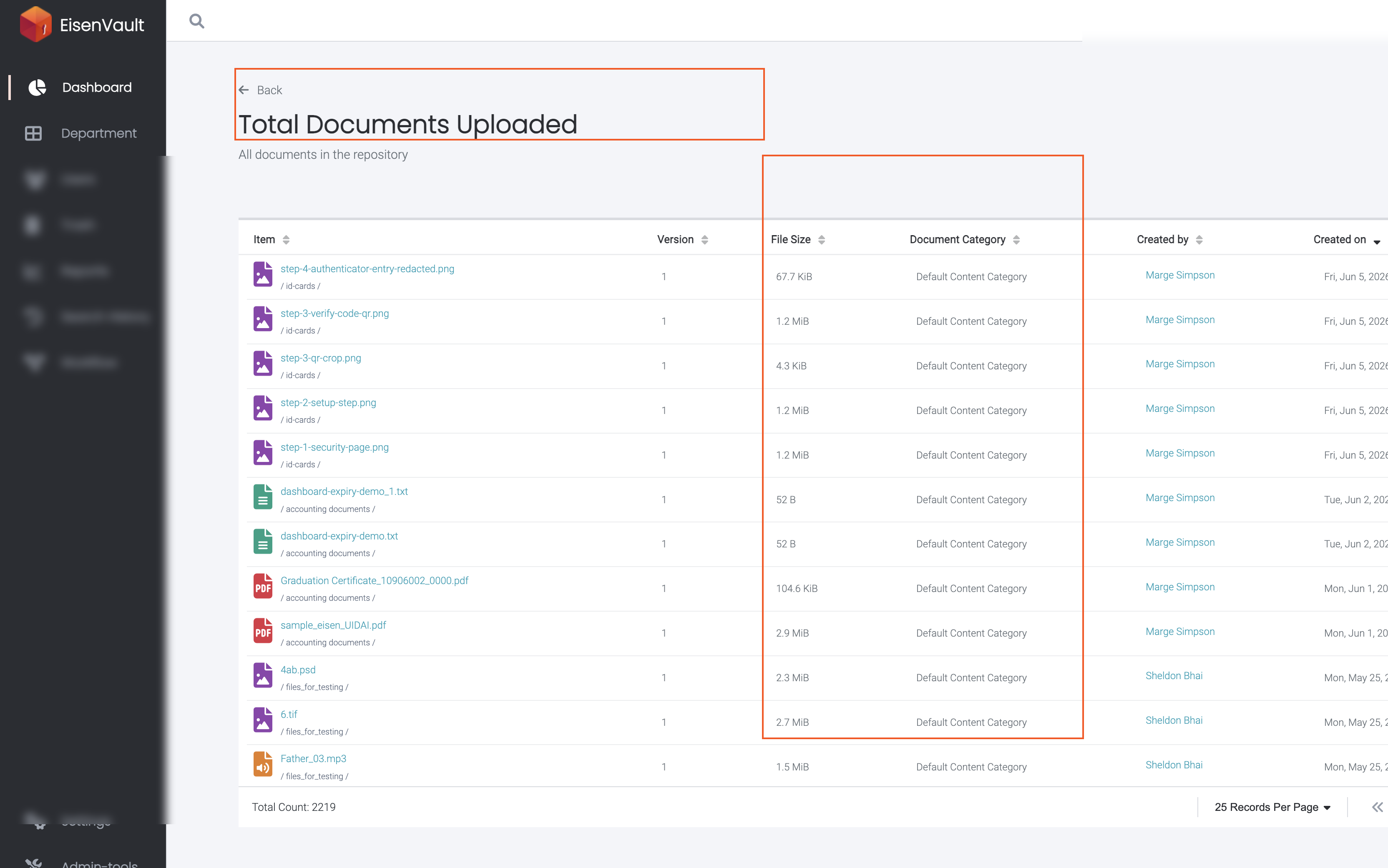
On the Total Documents Uploaded page:
- Confirm the subtitle All documents in the repository.
- Sort by Item, Version, File Size, Document Category, Created By, or Created On.
- Click a document name to open preview when available.
- Adjust Records Per Page and use pagination controls.
- Click Back to return to the dashboard.
Example Walkthrough
Demonstration screenshots use redacted file names and creator labels.
-
Click Total Documents on the administrator dashboard.
Expected Result
- The overview card shows the current all-time document total.
- The list page exposes the full catalog with sortable columns.
- Back returns to the administrator dashboard.