Delete Document
Purpose
Delete a document from a folder when it is no longer needed.
Prerequisites
- You are signed in to EisenVault One.
- You can open the folder that contains the document.
- You have permission to delete the document.
Before You Begin
Deleting a document removes it from the active folder view. Depending on your deployment, deleted documents may move to trash and remain recoverable for a limited time.
Confirm that the document is no longer needed before deleting it. If the document should be kept elsewhere, move or copy it instead.
Delete a Document
- Click Department in the left navigation and select a department.
- Navigate to the folder that contains the document.
- Find the document in the file list.
- Open the document's options menu.
- Click Delete Document.
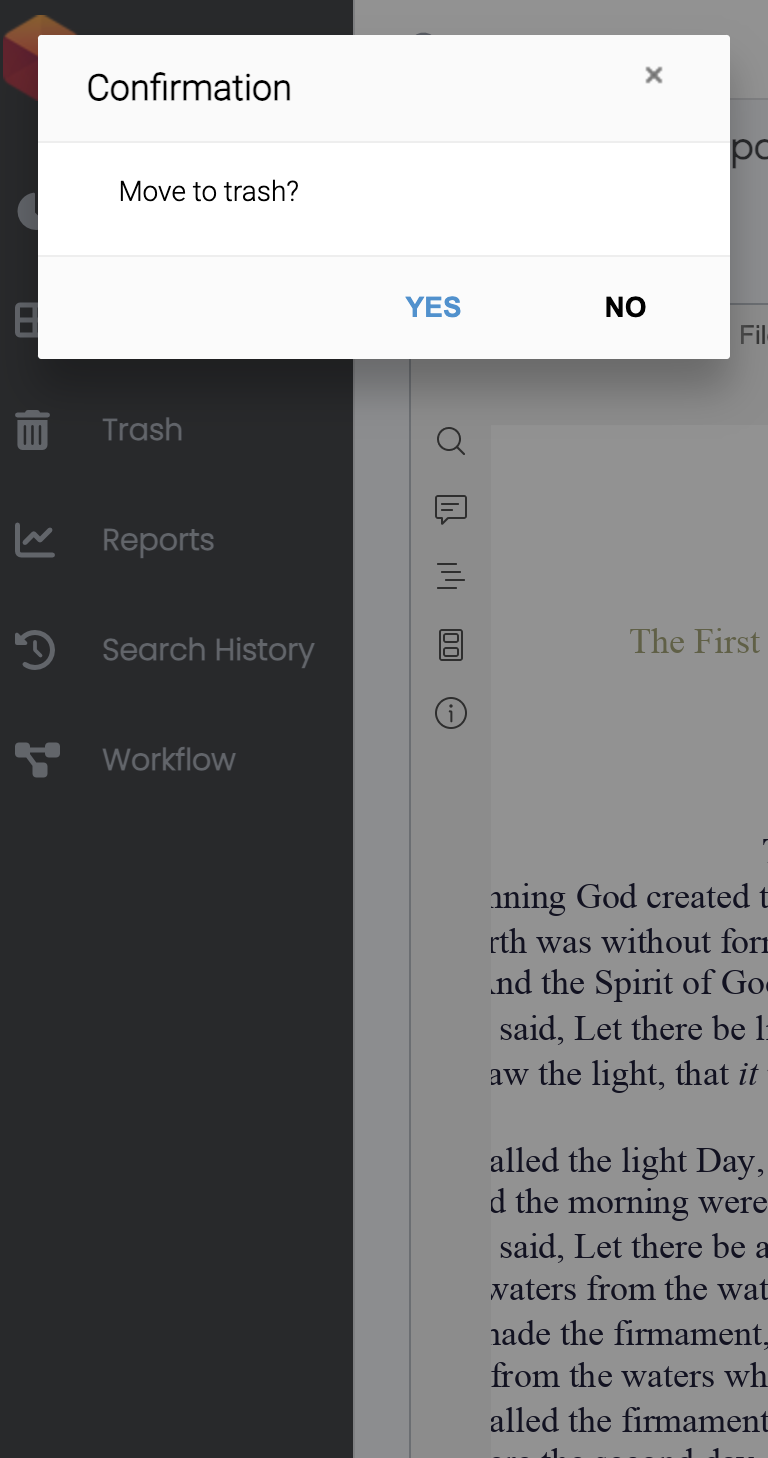
- Review the confirmation message.
- Confirm the deletion.
Example Walkthrough
The screenshots below show deleting Genesis-Demo.pdf from id-cards.
-
Open the document's options menu and click Delete Document.
-
Review the confirmation message, then click Yes to move the document to trash.
Expected Result
- The document is removed from the active file list.
- If trash is enabled, the document may be available from trash until it is permanently removed.
- Users can no longer open the document from its previous folder location.